Fedora offers a specific spin for Cinnamon Desktop but if you are looking for a more minimal install which doesn't include, for example, dnfdragora, LibrOffice, HexChat, Pidgin, Thunderbird, Transmission, Rhythmbox, XawTV Television Viewer, etc., then this post might be of interest.
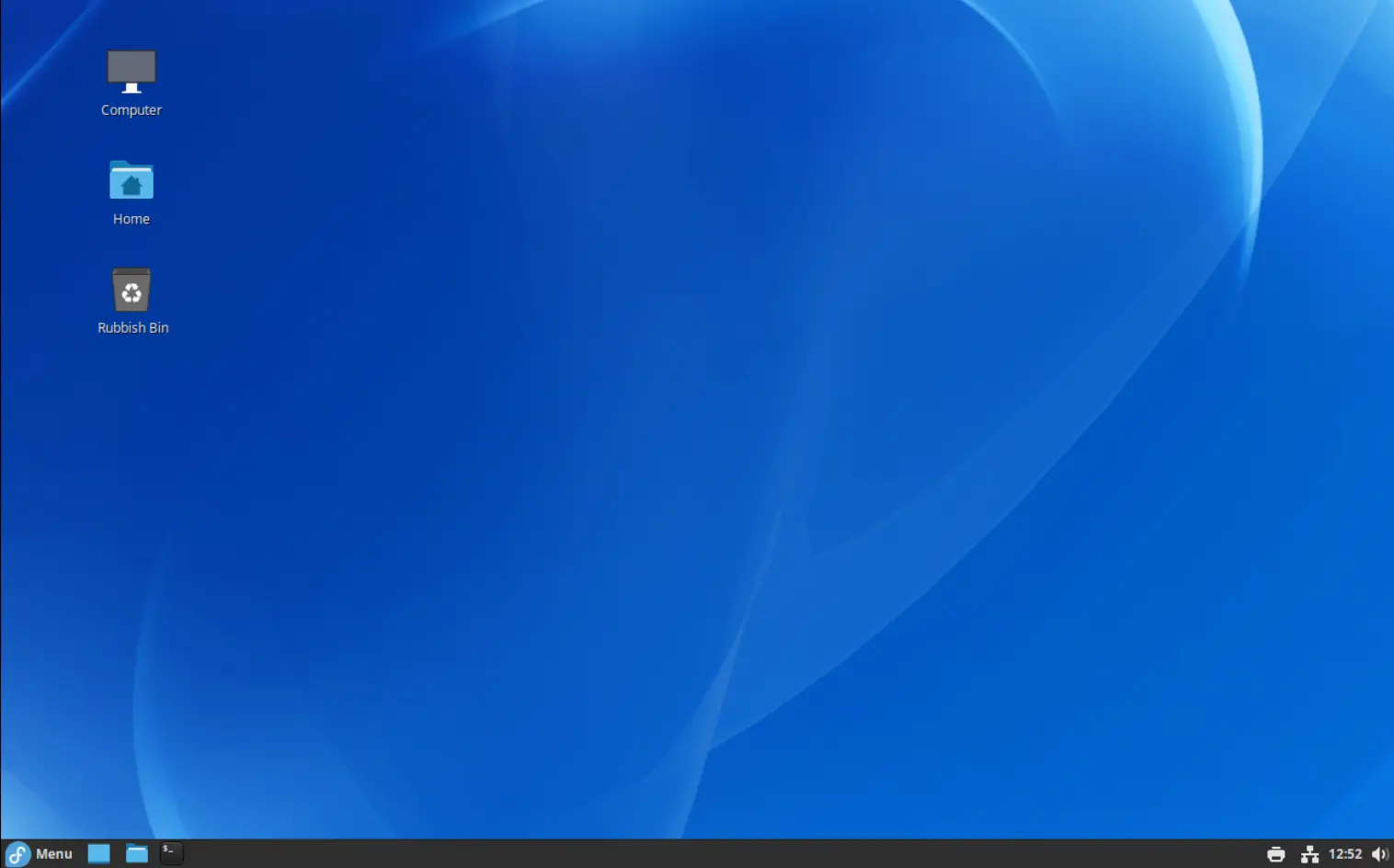
A Minimal Install
To make a minimal Fedora install you will need to download the iso from the Fedora Everything page. The Fedora installer takes you through the installation process in clear steps. Importantly, when you get to the page/step shown below ensure that you only select *Minimal Install.
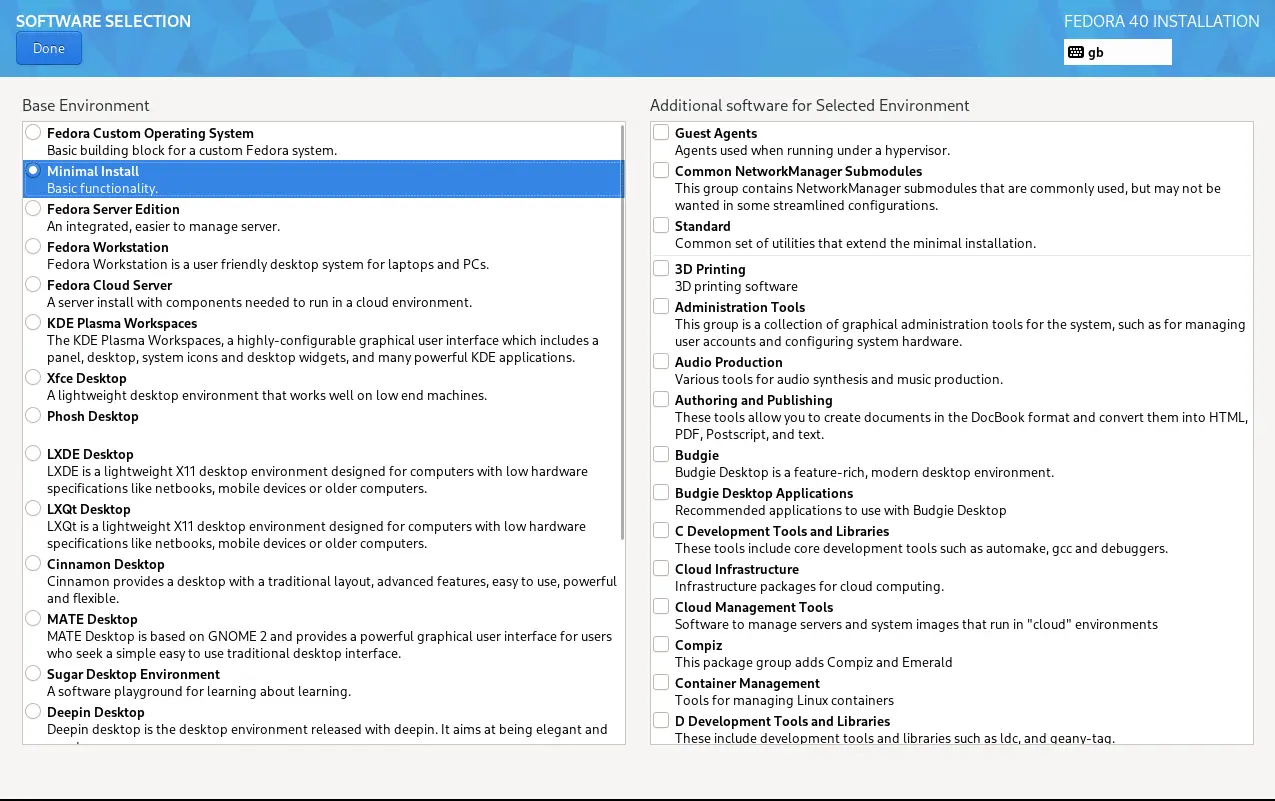
With the installation complete, reboot and login with your username and password. To install the basic Cinnamon desktop you need to install the following:
sudo dnf install cinnamon* @base-x
You will also want to install some essentials, e.g.
sudo dnf install nemo-fileroller gnome-terminal firefox
Display Manager
The display manager or login manager is where you input your username and password to get to your desktop. The display manager I use is sddm, which is the default for KDE. The Cinnamon default is slick-greeter. Installing and enable either option is shown below. For sddm,
sudo dnf install sddm
or for slick-greeter
sudo dnf install lightdm slick-greeter
Enabling the Display Manager
You will need to enable your chosen display manager. For sddm:
systemctl enable sddm
systemctl set-default graphical.target
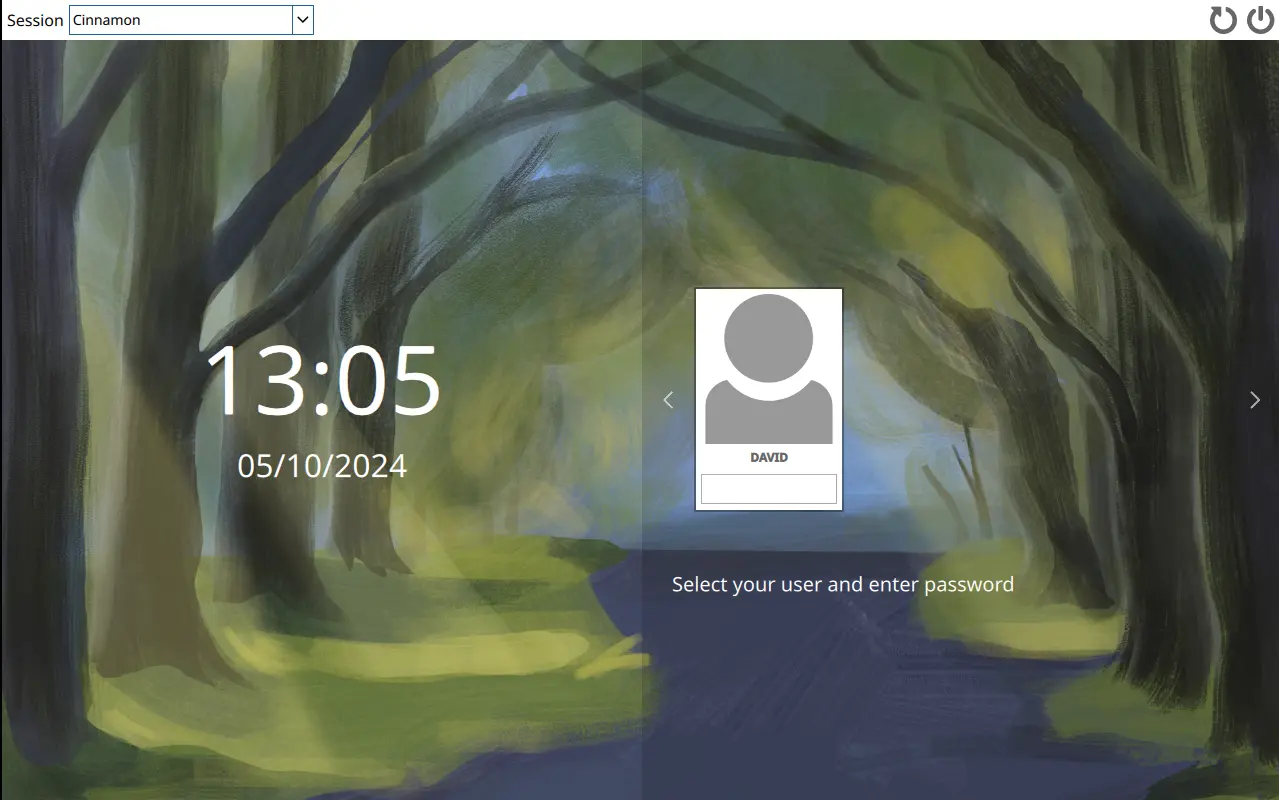
Not the most attractive display manager!! However, the layout/look can be improved and may be the content for a future post.
To enable slick greeter
systemctl enable lightdm
systemctl set-default graphical.target
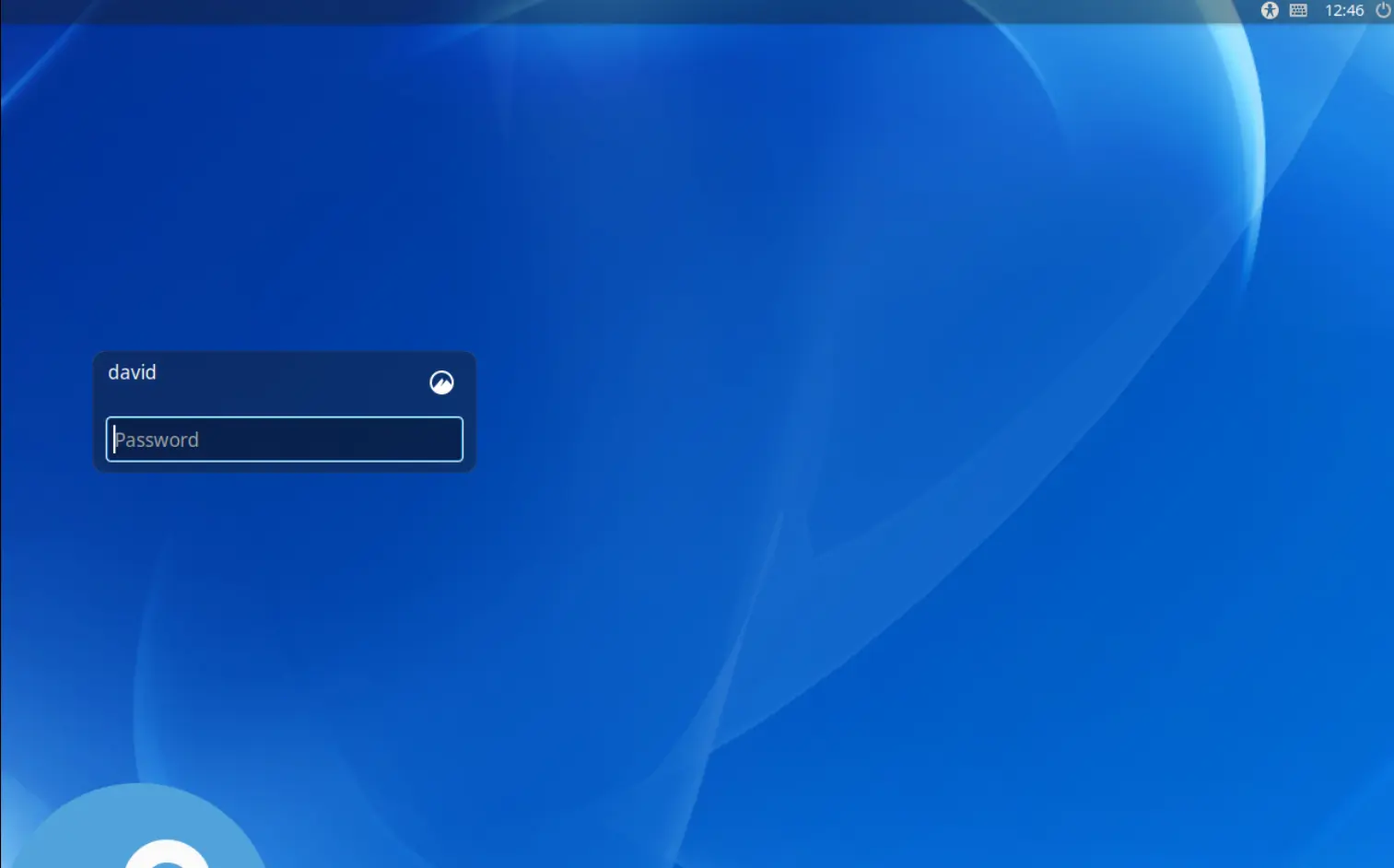
You can now reboot into your display manager and login to your desktop. To do this,
reboot
Connecting to Wi-Fi
If you are installing the desktop onto a laptop then you might also need to connect to Wi-Fi. In a terminal,
sudo dnf install NetworkManager-wifi iwl*
You may need to reboot for the changes to take effect.